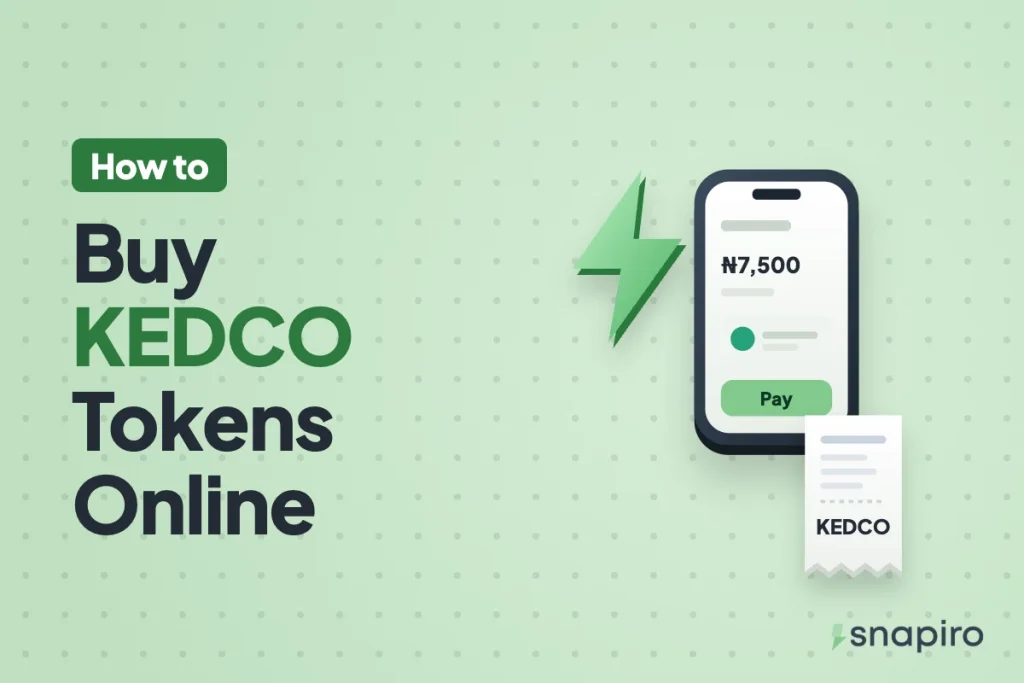
In the Snapiro app, tap Power, choose Kano Electricity, select Prepaid, enter the meter number, confirm the name that appears and pay from your naira balance. It takes about a minute.
The token shows straight away and is emailed to you, ready to type into the meter. That covers most purchases, though a few meters need extra codes from KEDCO before a token will load.
This guide covers buying, loading the token, those codes a meter sometimes needs from KEDCO itself, and paying for a meter in another town, such as a parent’s house or a shop you run.
Where KEDCO supplies power
KEDCO is the distribution company for Kano, Katsina and Jigawa states, so it covers cities like Kano, Katsina and Dutse. If your meter is anywhere in those three states, choose Kano Electricity in the app. Snapiro checks the meter number with KEDCO before you pay, so a wrong number or a meter on another company won’t go through.
Before you buy
- Find the meter number. It’s printed on the meter or the indoor keypad unit, and on any previous token receipt. For postpaid, use the account number on your bill.
- Put naira in your balance. You can add money from ₦500 with no Snapiro fee, or sell crypto first. Selling USDT for naira takes a few minutes once the coins are in your wallet.
- Have your transaction PIN ready. Bill payments don’t need BVN verification.
Buying a KEDCO token, step by step
- Tap Power on the home screen.
- Under Provider, pick Kano Electricity.
- Under Meter type, choose Prepaid.
- Type the meter number or choose it under Saved.
- Look at the customer name and address that come back. They should match the meter’s owner or the property.
- Enter the amount, tap Pay and enter your PIN.
The Electricity token screen shows the 20-digit token, units in kWh, meter number, customer name and provider reference. A copy goes to your email and as a push notification, and Share sends the receipt as an image or PDF. Full screenshots are in the electricity help article.
For a postpaid account, choose Postpaid, enter the account or meter number and pay any amount. No token comes back, because the payment goes onto your KEDCO account. Keep the receipt until it appears on your next bill.
Typing the token into your meter
Enter the 20 digits on the keypad, then press the Enter key. If your meter is on a pole or outside wall, use the indoor customer unit that came with it. The Enter key is labelled differently across brands, so your meter’s manual is the place to check if you’re unsure.
Go slowly and read the token in blocks of four. A single skipped digit makes the meter reject it. If you slip, clear the screen and start again.
Once the meter accepts it, the credit goes up by the units on your receipt. The number of units per naira follows your tariff band, which depends on the feeder serving your street, and tariffs change from time to time. The kWh on your newest receipt is always the accurate figure.
Tokens only KEDCO can give you
A normal token adds units. Two other kinds of token fix the meter itself, and those come from KEDCO, not from any app you buy units through:
| Token | When you need it |
|---|---|
| Key change token (KCT) | The meter rejects every new token, often after a tariff or software update |
| Tamper or clear token | The meter has locked itself and shows a tamper message |
For either, contact KEDCO with your meter number. Its official website is kedco.ng, where you’ll find the current customer care channels. Don’t pay a stranger who offers to reset a locked meter for you.
When the token doesn’t show
Most tokens appear within seconds. If yours hasn’t, check the “Electricity Token Ready” notification, then your email including spam, then the payment under Activity:
- Pending: KEDCO is still processing it. Wait 15 to 30 minutes, and don’t buy again for the same meter or you may pay twice.
- Failed: no token was issued and the money is already back in your naira wallet.
- Completed, but no token visible: message Snapiro support from the Support tab with the Snapiro reference from the receipt.
More fixes are in paid for electricity but no token, and refunds are explained in bill payment failed: will I get a refund?
Paying for a meter back home
Plenty of people living in Abuja, Lagos or abroad pay for a parent’s meter in Kano or a family house in Katsina. The process is the same: enter their meter number, check the name, pay, and send them the token from your receipt by text or WhatsApp. Save the meter as “Baba’s house” or similar so next month takes seconds.
Paying for meters with other distribution companies too? The steps are the same for AEDC tokens and BEDC tokens.
Frequently asked questions
Does Snapiro add a fee to KEDCO payments?
No. You pay the amount you enter and get 1% cashback, which moves to your naira wallet once it reaches ₦5,000. How cashback works.
How do I see an old KEDCO token?
Open the token notification, the Electricity Token email, or tap the payment under Activity.
I’m in Kano and get paid in crypto. Can I use that for light?
Sell the crypto for naira in the app first, then pay KEDCO from your naira balance. Our page on selling crypto in Kano walks through it, and there’s one for Katsina as well.
Once you’ve downloaded Snapiro, your next KEDCO token is on the Kano Electricity page.