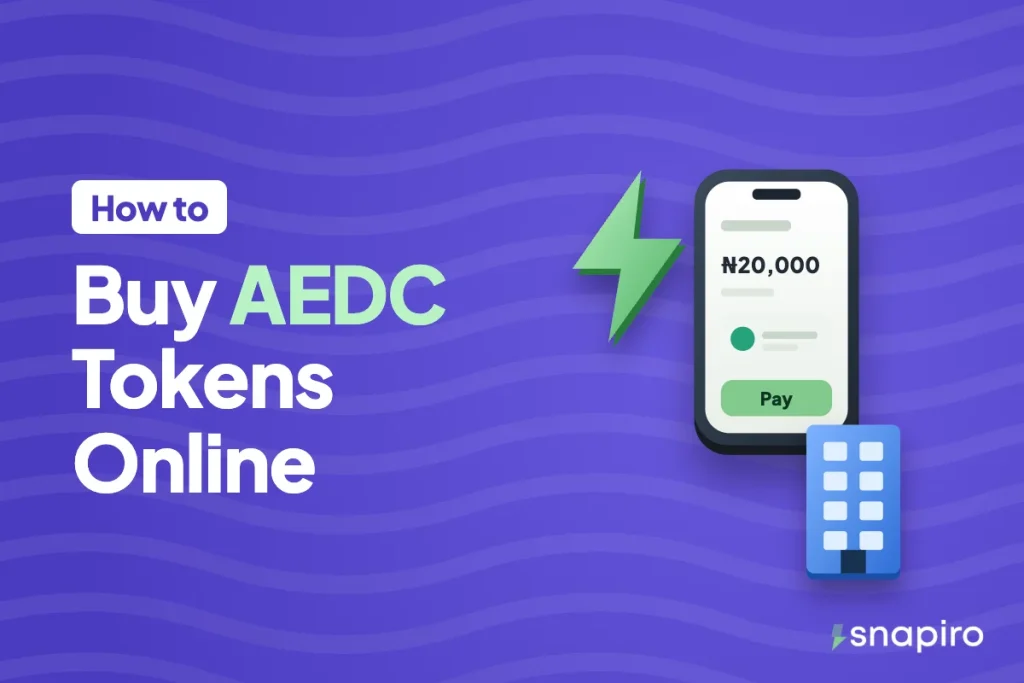
Choose Abuja Electricity in Snapiro, enter your meter number, confirm the name, and pay from your naira balance. Buying an AEDC prepaid token online this way takes about a minute from your phone.
Your 20-digit token appears on screen and in your email, ready to type into the meter. Most purchases go through without a hitch, but it helps to know the fixes for the few that don’t.
This guide covers the buying steps, loading the token, the restructuring at AEDC that customers in Niger and Kogi should know about, and how to sort out a token that doesn’t arrive.
Who AEDC supplies
Abuja Electricity Distribution Company (AEDC) supplies the FCT and parts of Niger, Kogi and Nasarawa states. So the same option covers a flat in Gwarinpa, a shop in Lokoja or a house in Minna, as long as the meter is on AEDC.
Not sure? The company’s name is on any old token receipt or bill for that meter. Snapiro also checks your meter number with the provider before you pay and shows the name and address on it, which is the quickest confirmation.
Get these ready first
- The meter number (on the meter or an old receipt), or the account number on your bill if you’re postpaid.
- The Snapiro app with your transaction PIN set. No BVN verification is needed to pay bills.
- Enough naira in your balance. Add money from ₦500 with no Snapiro fee, or sell crypto for naira. Abuja users can read more about selling crypto in Abuja, and the rate calculator shows what your coins are worth before you sell.
The steps to buy an AEDC token
- On the home screen, tap Power.
- Pick Abuja Electricity under Provider.
- Choose Prepaid as the meter type.
- Enter the meter number, or choose one under Saved.
- Check the name and address that come back against the meter you’re paying for.
- Type the amount, tap Pay and enter your PIN.
Your token, the units in kWh, the meter number, the customer name and the provider reference appear on the Electricity token screen. The token is also emailed to you and sent as a push notification. Tap Share if you want the receipt as an image or PDF. The electricity help article shows each screen.
For postpaid, choose Postpaid instead, enter the account or meter number and pay any amount toward the bill. No token is issued; the payment goes to your AEDC account.
Typing the token into your meter
Enter the 20 digits on the meter’s keypad, or on the separate keypad unit indoors if the meter is fixed outside. Then press Enter; its label varies by meter brand. Read the token in blocks of four so you don’t skip a digit. If you make a mistake, clear the screen and start over.
How many units you get for your money depends on your tariff band. Band A feeders promise at least 20 hours of supply daily and cost the most per kWh, while Bands B, C, D and E promise 16, 12, 8 and 4 hours. Tariffs change from time to time, so the kWh figure on your receipt is the one to go by.
AEDC’s new structure, and why it matters in Niger and Kogi
The Electricity Act 2023 lets states regulate their own power markets. NERC has since handed oversight of the electricity markets in Kogi, Niger and Nasarawa to those states’ regulatory commissions, and ordered AEDC to set up a subsidiary to run distribution in each one.
AEDC responded by becoming a holding company. It announced Niger Electricity Distribution Company for Niger State and Kogi Electricity Distribution Company for Kogi State, both described as part of one AEDC group, with Nasarawa to follow.
What this means for you: if you’re in Niger or Kogi, notices and receipts may start carrying the new company name. Keep buying under Abuja Electricity for as long as your meter number validates there. If it ever stops validating, check the name on your latest receipt and contact AEDC through abujaelectricity.com before you pay anywhere else.
If the token doesn’t come through
Tokens usually arrive within seconds. If yours hasn’t, look at the “Electricity Token Ready” notification, your email (spam folder too) and the payment under Activity.
- Pending means AEDC is still processing. Wait 15 to 30 minutes and don’t buy again for that meter while you wait.
- Failed means no token was created, and the full amount goes back to your naira wallet on its own.
- Completed with no token means you should message support from the Support tab with the Snapiro reference from the receipt.
A meter that shows Reject usually means a typo or a token made for another meter. Some meters also need key change tokens (KCT) after a tariff or software update; only AEDC can give you those. Every case is covered under a missing electricity token.
Common questions
Is there a fee to buy AEDC tokens on Snapiro?
No service charge. You pay the amount you enter and earn 1% cashback, which you can move to your naira wallet once it reaches ₦5,000. More on how cashback works.
Can I pay for my parents’ AEDC meter from Lagos?
Yes. Enter their meter number, check the name, pay, and send them the token. Save the meter so next time is quicker. If you pay for your own meter in Lagos too, it works the same way on Ikeja Electric and Eko Electricity.
I can’t find the token anymore. What do I do?
Open the token notification, search your email for the Electricity Token message, or tap the payment under Activity.
Will I be refunded if the payment fails?
Yes, automatically, with no request needed. How failed bill refunds work.
Keep your meter saved in the Snapiro app and your next token from the AEDC page is quick to buy.