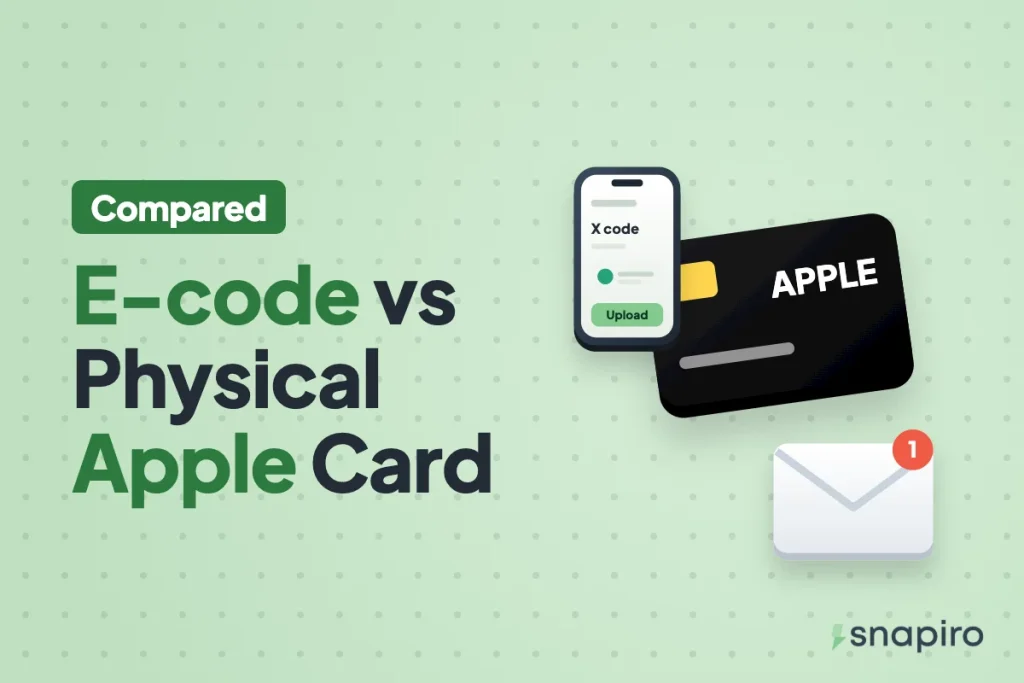
Sell the Apple gift card type you actually have, and label it correctly. You can’t switch an e-code into a physical card or the other way round, so there’s no choice to make at that stage.
An Apple e-code and a physical Apple card can carry different rates on Snapiro, and picking the wrong type gets the trade declined. That’s the mistake to avoid when you fill in the form.
The real decisions are in how you upload each one, and, if someone abroad is buying a card for you, which type to ask for. This guide covers both, with what each upload needs.
The quick difference
| Apple e-code | Physical Apple card | |
|---|---|---|
| How it arrives | By email or inside an app, bought online | A card bought in a shop |
| Where the code is | In the email or on screen | On the back, under a label you peel or scratch |
| Select in the app | E-code | Physical |
| What to upload | Code under E-codes or notes, plus a screenshot of the email or receipt | Photos of the front and back, plus the store receipt if you have it |
| Main risk | Someone else saw the code before you | The code gets damaged while scratching |
If a relative bought a card in a shop in Manchester and sent you a photo of the back, you have a physical card. How it travelled doesn’t change what it is.
Reading an Apple card correctly
Apple’s support pages give a few details that save a lot of back-and-forth:
- The redemption code on a physical card is a 16-digit code on the back. On some cards you peel or gently scratch off a label to see it.
- Apple says the redemption code is the one that begins with “X”.
- The card also has a separate serial number, which Apple says begins with GCA, PBH or EPY. That isn’t the code you sell, so don’t type it under E-codes or notes by mistake.
- Apple warns that B and 8, O and 0, and S and 5 are easy to mix up. Check each one.
Does the type change the rate?
Sometimes. Snapiro lists an e-code rate and a physical rate for every Apple card country, and they can differ. The current lines are on the Apple (iTunes) gift card page. Country matters even more than type, because each country’s card is priced in its own currency; see how Apple gift card rates are set for how the three factors combine.
How to sell an Apple e-code
- Tap Sell a gift card, choose iTunes, then the card’s country under Country.
- Under Card type, pick the Card type that matches an e-code.
- Enter the Card value and paste the full code under E-codes or notes, one code per line if you have several.
- Upload a screenshot of the email or receipt showing the code and the amount.
- Tap Proceed.
Copy and paste the code from the email instead of retyping it. A screenshot without the code under E-codes or notes is declined as “missing code”.
How to sell a physical Apple card
- Peel or scratch the label gently until the whole code beginning with X is visible.
- In the app, choose iTunes, the Country, and the Card type that matches a physical card.
- Enter the value and upload sharp photos of the front and back, plus the receipt.
- Tap Proceed.
Shoot in daylight with the flash off, card flat, all four corners in frame. The full routine for taking a clear gift card picture includes what to do if a character got damaged.
If someone abroad is sending you an Apple card
Here you have a real choice, and neither type is always better.
Ask for an e-code if the sender is buying online anyway. There’s no label to scratch and no photo to get wrong, and the purchase email doubles as the receipt. Ask them to forward the email to you directly rather than retyping the code in a chat.
A physical card makes sense if they’re already in a shop. Ask them to keep the receipt, peel the label carefully, and send you clear photos of both sides. If they can’t get a good photo, it’s better that they hold on to the card and try again than send you something unreadable.
Either way, they should tell you the country it was bought in. Apple says a card can only be redeemed in the country or region where it was purchased, and the country decides the rate you’re paid.
Mistakes that get Apple cards declined
- Choosing e-code for a photo of a physical card, or physical for an emailed code.
- Entering the serial number instead of the X code.
- Adding the card to your own Apple Account “to check”. It’s then redeemed.
- Uploading the same card twice, or selling it in two places.
- A receipt that doesn’t match the card.
Every decline reason, and how to resubmit, is in why a gift card gets declined. Snapiro’s e-code vs physical checklist covers both types on one page.
FAQs
Is an Apple Gift Card the same as an iTunes card for selling?
Yes. Both are sold under iTunes in the Snapiro app; pick the country and type as usual.
I have an emailed code and a physical card. One trade or two?
Two. The type is chosen per trade, and the rates can differ.
Do I need a PIN or BVN to sell?
No. Selling a gift card needs neither. You need a verified BVN or NIN only when you withdraw naira to your bank.
For every screen of the process, see how to sell an Apple gift card in Nigeria, then upload yours in the Snapiro app.