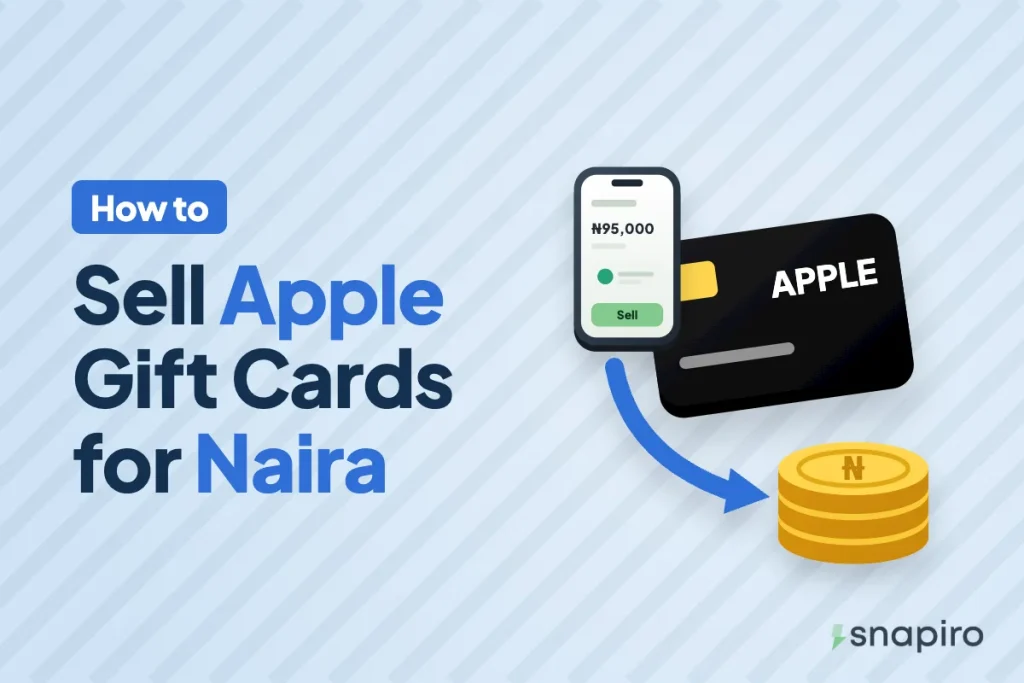
Upload the card in the Snapiro app, pick its country and type, and wait for the team to check it. That’s how an Apple or iTunes gift card becomes naira here in Nigeria.
Once it’s approved, the naira goes into your naira wallet, and you can withdraw it to your bank or spend it on bills. The amount depends on the card’s country, its type and its face value.
Below is how each of those three works, the exact steps in the app, and the small mistakes that get cards declined, so your first trade goes through without a back and forth with the team.
Apple gift card or iTunes card: is there a difference?
Not for selling. Apple now sells one gift card that covers the App Store, iTunes, Apple Music, iCloud and other Apple purchases, and older iTunes-branded cards work the same way. Snapiro accepts both on the iTunes gift card page. Curious what people actually buy with them? Read what iTunes cards are used for.
What decides your rate
The card’s country
A card bought in the United States is a USD card. One from the UK is a GBP card, one from Germany is a EUR card, and so on. Snapiro currently takes Apple cards from the US, the UK, Canada, Australia and Germany, and each country has its own rate.
The country is usually printed on the card or receipt, or shown in the email the e-code came in. Choosing the wrong country is one of the most common reasons a card is declined.
Physical card or e-code
A physical card is the plastic card with a scratch-off code on the back. An e-code is a code that came by email, text or inside an app. Rates can differ between the two, and the app shows the rate for your choice before you submit. Our help article on e-code vs physical gift cards explains what to upload for each.
The face value
Your payout is the card’s face value multiplied by the rate for that country and type. For example, a $100 USD card at a rate of ₦950 per dollar would pay ₦95,000. That rate is made up for the example; real rates change, and the live figures for each country and type are on the iTunes rates page.
If the card’s real balance turns out lower than what you entered, you’re paid for the value the team confirms. How your gift card payout is calculated has the details.
How to sell an Apple gift card on Snapiro
- Download the app from the Snapiro download page and create an account. You don’t need to verify your identity or set a PIN to sell a gift card.
- On the home screen, tap Sell a gift card and choose iTunes. The search box finds it quickly.
- Under Country, pick the card’s country, for example the United States for a US card.
- Under Card type, pick the Card type that matches your card.
- In Card value, enter the total face value of the cards you’re uploading. The rate and naira estimate update as you type.
- For e-codes, type each code under E-codes or notes, one per line. Add anything else the team should know.
- Upload clear photos of the card (front and back for physical cards) and the receipt if you have it. For e-codes, a screenshot of the email or receipt showing the code and amount works.
- Tap Submit card.
The trade shows as Pending under the Gift cards tab in Activity while it’s being checked. You get a notification when it’s approved, with the naira credited, or declined, with the reason. The full walkthrough is in the help centre guide on how to sell a gift card.
Getting the photo right
A card the team can’t read is a card that gets declined. A few habits help:
- Scratch the code panel gently with a coin edge, not a key. Every character needs to survive.
- Shoot in good light, flat on a plain surface, with no glare across the code.
- Fill the frame with the card. Tiny cards in the corner of a big photo are hard to read.
- Include the receipt where you have one. It helps confirm the card is genuine.
Why Apple cards get declined
These are the common reasons Snapiro lists when a trade fails:
| Reason | What it means |
|---|---|
| Already redeemed | The code was used before the team checked it |
| Unreadable | The photo is blurry or the code was scratched off too hard |
| Wrong type or currency | For example a UK card submitted as USD, or a physical card sent as an e-code |
| Missing code | An e-code submitted without the code under E-codes or notes |
| Invalid card | The card was never activated, or the receipt doesn’t match |
| Duplicate | The same card uploaded more than once |
If the problem was the photo or the details and the card hasn’t been used, you can submit it again correctly. If you think a decision is wrong, message support from the Support tab with the Snapiro reference from its receipt under Activity. More on this in why a gift card was declined.
Two rules save a lot of trouble. Don’t check the balance or redeem the card on a shared Apple account before you sell it. And don’t offer the same card to two buyers at once.
Be careful where your card came from
Apple gift cards are a favourite tool of scammers. Fraudsters pose as government agencies, utility companies or romantic partners and ask victims to pay in Apple gift cards, and Apple’s own page on gift card scams says its cards can only be used to buy products and services from Apple. Cards bought with stolen payment details are often cancelled by the issuer, and a cancelled card won’t be paid.
Only sell cards you bought yourself or received from someone you trust. If a stranger offers to “send you cards to sell for them”, walk away. Our help article on how to identify scammers lists more warning signs.
What to do with the naira
Once the card is approved, the naira sits in your naira wallet. You can withdraw it to any Nigerian bank or wallet on NIBSS for ₦200 per withdrawal (minimum ₦1,000) once your BVN is verified, or leave it there and pay for airtime, data, electricity and TV from the same balance, with 1% cashback on each payment.
Selling a Google Play card instead? Selling a Google Play gift card in Nigeria works a little differently.
Common questions
Which Apple gift card countries does Snapiro accept?
The US, the UK, Canada, Australia and Germany, as physical cards or e-codes. Rates differ for each.
How long does it take to get paid?
The card is checked by the team before you’re paid. It shows as Pending under Activity until then, and you get a notification the moment it’s approved or declined.
Do I need to verify my account to sell an Apple gift card?
No. Selling a gift card doesn’t need verification or a PIN. You’ll need a verified BVN or NIN only to withdraw naira to your bank.
Can I sell a partly used Apple gift card?
You’re paid for the balance the team confirms. If you entered a higher amount than the real balance, the payout is based on the confirmed value.
Check today’s figure for your card’s country on the Apple and iTunes gift card page before you upload.