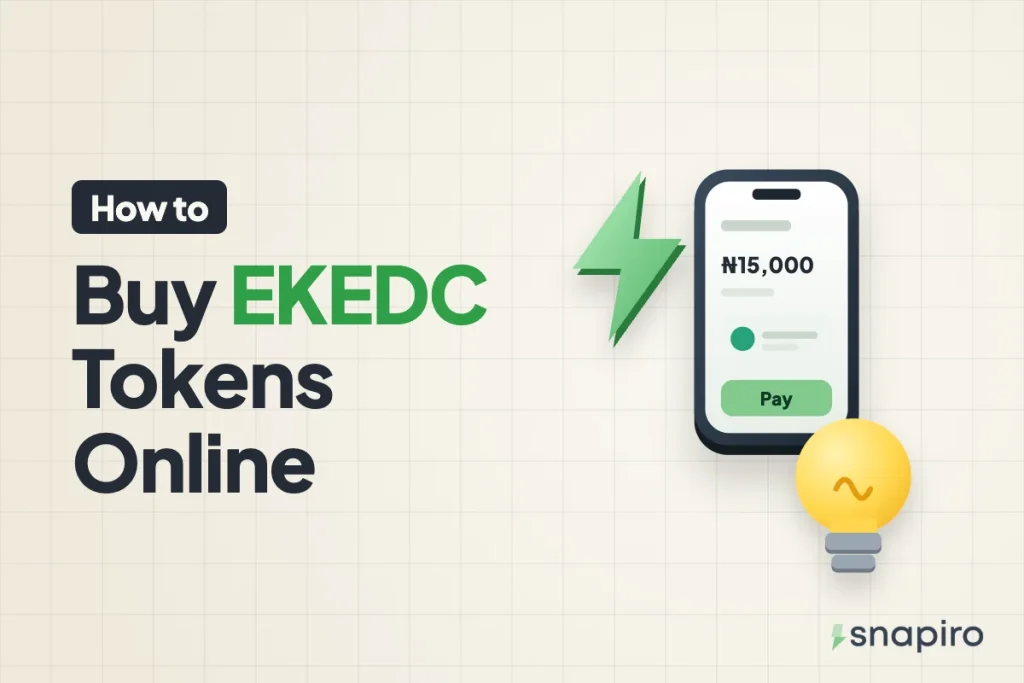
Pick Eko Electricity in the Snapiro app, enter your meter number, confirm the name on the meter and pay from your naira balance. The token shows on screen straight away and lands in your email.
You then type it into your meter to load the units. It’s quick when everything matches, but a wrong meter number or a token the meter won’t accept can hold you up if you don’t know the fix.
Here’s each step, how to load the token properly, how postpaid works for Eko Electricity (EKEDC) customers, and what to do when something goes wrong with a purchase or a token.
Check your meter is on Eko, not Ikeja
Eko Electricity serves the southern parts of Lagos, including Lekki, Victoria Island, Ikoyi, Lagos Island and Festac. The north of the state, places like Ikeja, Ikorodu and Oshodi, is on Ikeja Electric, and we have a separate guide to buying Ikeja Electric tokens.
If you’ve just moved into a flat, look at an old receipt or bill for that meter; the company’s name is on it. Snapiro also checks the meter number with the provider before you pay and shows the customer name and address, so a number that won’t validate under Eko is usually an Ikeja Electric meter.
Have these ready
- Your meter number, from the meter itself or an old receipt (or your account number for postpaid).
- The Snapiro app and your transaction PIN. Bill payments don’t need BVN verification.
- Naira in your balance. You can add money from ₦500 with no Snapiro fee. If you hold crypto, sell some first; see how to sell Bitcoin for naira or the USDT page. The naira is in your balance as soon as the sale completes.
Buying an EKEDC token, step by step
- Tap Power on the home screen.
- Under Provider, choose Eko Electricity.
- Choose Prepaid under Meter type.
- Type your meter number or pick it under Saved.
- Look at the name and address that appear. Wrong name means wrong number; go back and fix it.
- Enter the amount, tap Pay and enter your PIN.
The Electricity token screen then shows the token, the units in kWh, the meter number, the name on the meter and the provider reference. The same token comes by email and push notification, and Share sends the receipt as an image or PDF. See the electricity help article for screenshots.
Landlords and anyone paying for a parent’s flat can save several meters under names like “Flat 2” or “Mum, Surulere” and pick the right one each time.
Loading the units
Your EKEDC token is 20 digits long. Type it on the meter’s keypad, or on the indoor keypad unit if the meter itself is outside or on a pole, then press Enter. The Enter key looks different on different meter brands.
Read the digits in groups of four as you type. If you slip, clear the screen and start again. Once the meter accepts the token, the credit goes up by the units shown on your receipt.
Units per naira depend on your tariff band, which comes from the feeder serving your street. Band A promises at least 20 hours of supply a day and costs the most per kWh; Bands B to E promise 16, 12, 8 and 4 hours and cost less. Tariffs get reviewed, so go by the kWh on your latest receipt.
Paying an Eko postpaid bill
Choose Postpaid under Meter type and enter your account or meter number, then pay any amount toward the bill. There’s no token for postpaid; the payment goes to your Eko account. Keep the receipt from the app in case the next bill doesn’t reflect it.
When the token doesn’t come or won’t load
| What you see | What it means | What to do |
|---|---|---|
| Pending in Activity | Eko hasn’t generated the token yet | Wait 15 to 30 minutes. Don’t buy again for the same meter. |
| Failed | No token was made | Nothing. The money returns to your naira wallet automatically. |
| Completed, no token visible | Payment went through | Check notifications and email (and spam), then message support from the Support tab with the Snapiro reference from the receipt. |
| Meter shows Reject | Typo, wrong meter, or the meter needs key change tokens | Re-enter the 20 digits and check the meter number on the receipt. |
Key change tokens (KCT) are needed by some meters after a tariff or software update, such as the 2024 prepaid meter update worldwide. Only Eko Electricity can issue them, so contact them through ekedp.com with your meter number. The full troubleshooting list is in I paid for electricity but did not get a token.
Eko and Excel Distribution: what changed
Lagos now regulates its own electricity market through the Lagos State Electricity Regulatory Commission (LASERC), after NERC ordered the handover in December 2024. In October 2025 LASERC licensed Excel Distribution Company Limited, a subsidiary set up by Eko Electricity to hold the Lagos licence.
If the Excel name shows up on a notice, that’s the reason. For buying tokens, you still choose Eko Electricity and use the same meter number.
Quick answers
Does Snapiro add a charge to EKEDC tokens?
No. You pay the amount you type. You also get 1% back, which builds up in your cashback balance and moves to your naira wallet from ₦5,000. How cashback works.
Can I buy Eko light for someone in Lagos while I’m in another city?
Yes. Enter their meter number, check the name, pay, and send them the token from the receipt or your email.
What if I bought the token for the wrong meter?
A token only works on the meter it was made for, so check the name before you pay. If it has already happened, message support from the Support tab with the Snapiro reference from the receipt, and contact Eko Electricity with both meter numbers.
Do I get my money back if the payment fails?
Yes, automatically. Here’s how failed bill refunds work.
Buy your next EKEDC token from the Eko Electricity page once you have the Snapiro app.