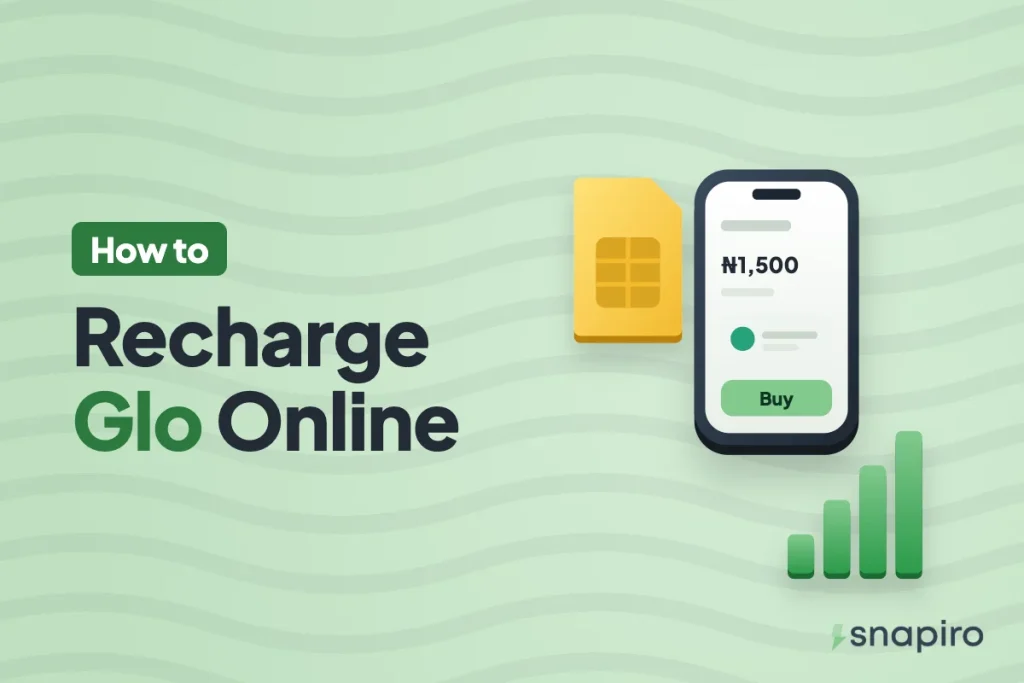
In the Snapiro app, tap Airtime or Data, choose Glo, enter the 11-digit number, type the amount or pick a plan, and confirm with your PIN. The whole thing takes under a minute.
It works the same for your own line or someone else’s, and you get 1% back. Glo has far more data plans than most people realise, which is where it pays to slow down a little.
This guide covers the steps, how to read Glo’s plan list without buying the wrong bundle, the USSD codes worth knowing, and Glo’s own airtime sharing for when you want to send credit from your line.
Buy Glo airtime
Snapiro pays Glo airtime and data from your naira balance. If it’s empty, add money from ₦500 (no Snapiro fee), or sell some crypto first; here’s how selling USDT works.
- Tap Airtime on the home screen.
- Under Provider, choose Glo.
- Enter the phone number and the amount.
- Tap Pay and enter your transaction PIN.
Payment successful means Glo has accepted it, and you’ll get an “Airtime Purchase Successful” notification. The help centre has the same steps with screenshots.
Buy a Glo data plan
Tap Data, choose Glo under Provider, pick a bundle under Plan (the price fills in for you), enter the number, then Pay and PIN. The app shows the exact price before you confirm and there’s no service charge on top.
Reading Glo’s plan list
Glo’s list on Snapiro runs to nearly a hundred plans, and many look alike at a glance. The name tells you what you’re actually getting, so read it fully before you pay:
| If the plan name says | What it usually means |
|---|---|
| Night | Data that only works during Glo’s night hours, or a night bonus on top of the main data |
| Social Bundles | Data for specific social apps, not general browsing |
| GloMyG or MyG | Data for the listed apps (such as WhatsApp, Instagram, TikTok) |
| Glo TV VOD | For watching on Glo TV, not normal internet use |
| Weekend | Meant for weekend use, with a short validity |
| Best Value, with 7, 14 or 30 days | Regular data you can use on anything for that period |
The classic mistake is grabbing the cheapest 1GB, only to find it’s a night plan or locked to a few apps. If the person needs data for school work, banking apps or Zoom, choose a plan without “Night”, “Social” or an app list in the name. Glo sets each plan’s exact rules and hours, so if you’re unsure, check with Glo customer care on 300 from a Glo line.
Plans and prices come from Glo and change when Glo changes them. The current list is on the Glo prices page, and the app always shows the live price. More on buying data.
Topping up someone else’s Glo line
Just type their number instead of yours. They don’t need the app or even a smartphone. It’s the easy way to keep an older relative’s line alive or send data to a sibling in school.
- Read the number back slowly. Airtime or data sent to a wrong number can’t be reversed.
- Confirm the line is still on Glo. A number that started on Glo may have been ported to another network, so the prefix alone isn’t proof.
- Ask what they need the data for before you pick a plan, for the reasons above.
Every purchase sits under Activity with the number, amount and status, which helps when someone says they didn’t get it. How to view your history.
1% cashback on every Glo recharge
Each successful Glo airtime or data purchase earns 1% into your cashback balance. A ₦2,000 recharge gives ₦20 back. Once your cashback reaches ₦5,000, you can move it all to your naira wallet. How cashback works. You earn the same on MTN, Airtel, T2 (formerly 9mobile), electricity and TV; our MTN recharge guide covers that network.
Glo USSD codes and recharge cards
Glo uses the common short codes set by the Nigerian Communications Commission, which work the same on every network. The NCC publishes the full list on its consumer website.
| What you want | Dial |
|---|---|
| Load a recharge card | *311*PIN# |
| Check airtime balance | *310# |
| Buy data | *312# |
| Check data balance | *323# |
| Glo customer care | 121 |
If a code ever stops working, Glo customer care can confirm the current one.
Sharing airtime with Glo Easy Share
If you already have Glo airtime and want to pass some to another Glo line, Glo’s Easy Share does it by USSD: dial *131*recipient number*amount*PIN#. The default PIN is 00000 and you have to change it before your first transfer. Easy Share only works from Glo to Glo. For any other network, or when you don’t want to touch your own airtime, buying straight from your naira balance is simpler.
When a Glo recharge doesn’t arrive
Check the status under Activity first. Transaction Processing means Glo hasn’t confirmed yet, so wait instead of paying again. A failed payment is refunded to your naira wallet automatically. If it shows Completed but nothing came, dial *323# on the line (the SMS can arrive late), then message support from the Support tab with the Snapiro reference. What each payment status means.
What readers ask
Do I need to verify my Snapiro account to buy Glo data?
No. Bills, airtime and data work before any verification, up to ₦20,000 a day. A verified BVN or NIN lifts that cap and lets you withdraw naira to a bank.
Can I buy Glo data for a router or MiFi?
Yes, if it uses a Glo SIM. Enter that SIM’s number and choose a general data plan.
Is there an extra charge?
No. You pay the amount or plan price shown, and get 1% back. See the fees page for every Snapiro charge.
Top up any Glo line from the Snapiro app, and see what else you can pay on the bills page.