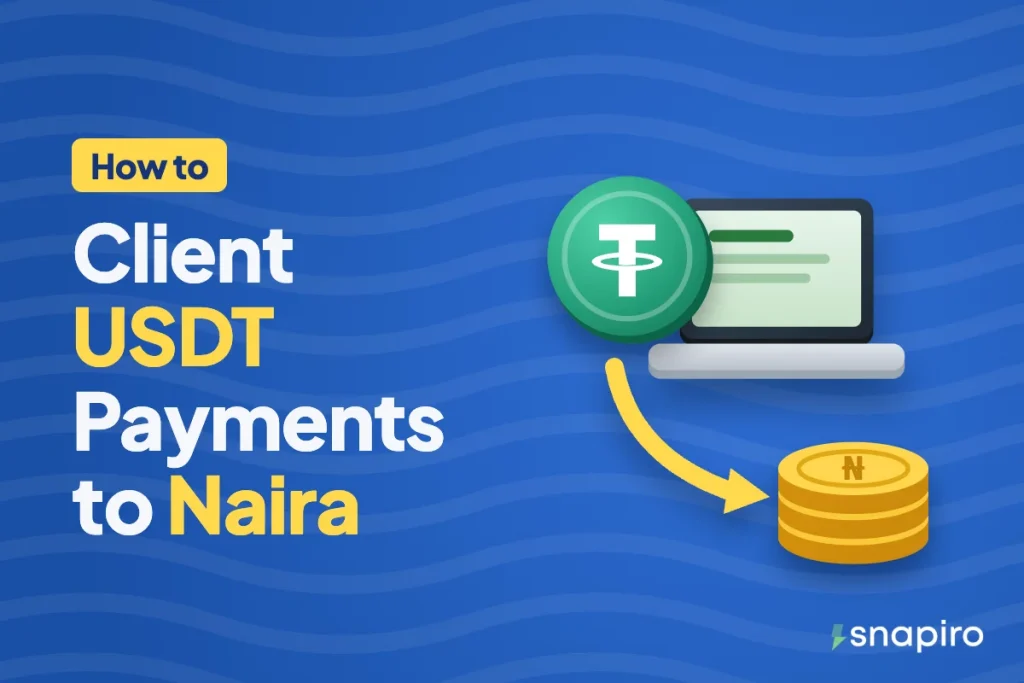
A foreign client can pay you in USDT straight to your own deposit address on Snapiro. You give them the address and the network, and they withdraw USDT from their exchange or wallet to it.
Once it confirms, you sell it for naira and withdraw to your bank. The work is in setting it up so the money arrives in full, on the right network, with a paper trail for your bank and the tax office.
If you’re still deciding how to get paid, compare USDT with the other ways of getting paid by foreign clients as a Nigerian freelancer. This post assumes you’ve chosen USDT.
Why freelancers take USDT
USDT holds a dollar value, moves in minutes, and the client can send it from almost any exchange in the world. There’s no waiting for a platform’s clearance period, and you decide when to convert to naira. The trade-off is that a crypto transfer can’t be reversed, so a mistake on either side is hard to undo. That’s why the setup below matters.
Step 1: Create the address you’ll give clients
In Snapiro, open Home › All wallets › USDT, tap Deposit and choose the Network. Tap Create address if no address shows; it usually takes under a minute, so pull down to refresh. Full steps for creating a deposit address.
TRC20 is usually the cheapest for the client to send, and most exchanges offer it. BEP20 is also cheap. ERC20 works, but gas costs more. If you want the detail, our TRC20 vs BEP20 vs ERC20 comparison lays it out. Pick one network and stick to it for each client, so there’s never confusion about which address goes with which network.
Step 2: Put the payment details on your invoice
Clients who pay in crypto rarely make mistakes on purpose. They make them because the instructions were vague. Spell everything out:
- Amount: for example, “1,200 USDT”. Say USDT (Tether), not “dollars in crypto”.
- Network: write it in full, such as “Tron (TRC20)”. Exchanges label networks differently, so give both names.
- Address: pasted from your Deposit screen, never typed.
- Fees: “Network fees to be paid by the sender; 1,200 USDT must arrive.” Most exchanges deduct the fee from the amount sent, so without this line you’ll get a little less every time.
- Unsupported networks: a short line such as “Please don’t send on Solana, TON or any network other than the one above.”
One more trap: transfers inside a single exchange, like a “pay” feature or an internal transfer by email or user ID, only reach other users of that same exchange. Ask the client to make an on-chain withdrawal to your address.
Step 3: Do a test payment with new clients
For the first job with a new client, ask them to send a small amount first, such as 5 USDT, and confirm it lands before they send the rest. It costs them one extra network fee and saves you both a painful conversation if anything is wrong. Address poisoning affects clients’ wallets too, so read up on sending crypto without mistakes.
Ask the client to send you the TxID once they’ve paid. If the money hasn’t shown, you can check it on the network’s explorer instead of going back and forth.
Step 4: Confirm, sell and withdraw
The USDT appears in your Snapiro wallet once the network confirms it. There’s no minimum deposit. If it’s slow, see why a crypto deposit isn’t showing.
To sell, tap Sell Crypto on the home screen, pick USDT, enter the amount and confirm with your PIN. Snapiro counts each USDT as $1 and multiplies by the naira rate, with its margin inside the rate and no separate selling fee. You can check the rate any time on the crypto to naira calculator. The naira lands in your naira wallet straight away.
With a verified BVN or NIN and a bank account in the same name, withdraw to any bank or wallet on NIBSS. The minimum is ₦1,000, each withdrawal costs ₦200, and it’s sent within 60 seconds of your request. You don’t have to sell the moment a payment lands, either. The USDT can sit in your wallet until you need the naira.
An example payment, start to finish
This is only an example; real rates change through the day. A client pays 500 USDT on TRC20 and covers the network fee, so 500 USDT arrives. You sell it at an example rate of ₦1,450/$ and get ₦725,000 in your naira wallet. You withdraw it all, and ₦724,800 reaches your bank after the ₦200 fee.
Keep the paper trail
For every job, keep the contract or invoice, the client’s TxID, your Snapiro sale record and the bank credit. Snapiro emails you for each sale, and your transaction history holds the rest.
This does two jobs. If your bank ever asks about a credit, you can show it’s freelance income; our guide to selling crypto without getting your bank account frozen covers what to say. And freelance income is taxable in Nigeria under the personal income tax rules, so the same records support your self-assessment. The personal income tax calculator gives you a rough figure; for your own situation, ask a tax professional.
Before you ask
Can I use the same address for every client?
Yes. Your Snapiro address for a coin and network stays the same, so you can reuse it. Just match each payment to its invoice using the amount, date and TxID.
My client sent USDT on the wrong network. What now?
Unsupported networks won’t be credited, and Snapiro can’t recover crypto sent on the wrong network or to the wrong address. Clear invoice instructions are the real fix.
Do I need to verify before a client pays me?
No. You can receive without verifying. You need a verified BVN or NIN to sell, add a bank account and withdraw naira.
Before your next invoice goes out, get the Snapiro app, create your USDT address and check today’s rate on the USDT page.