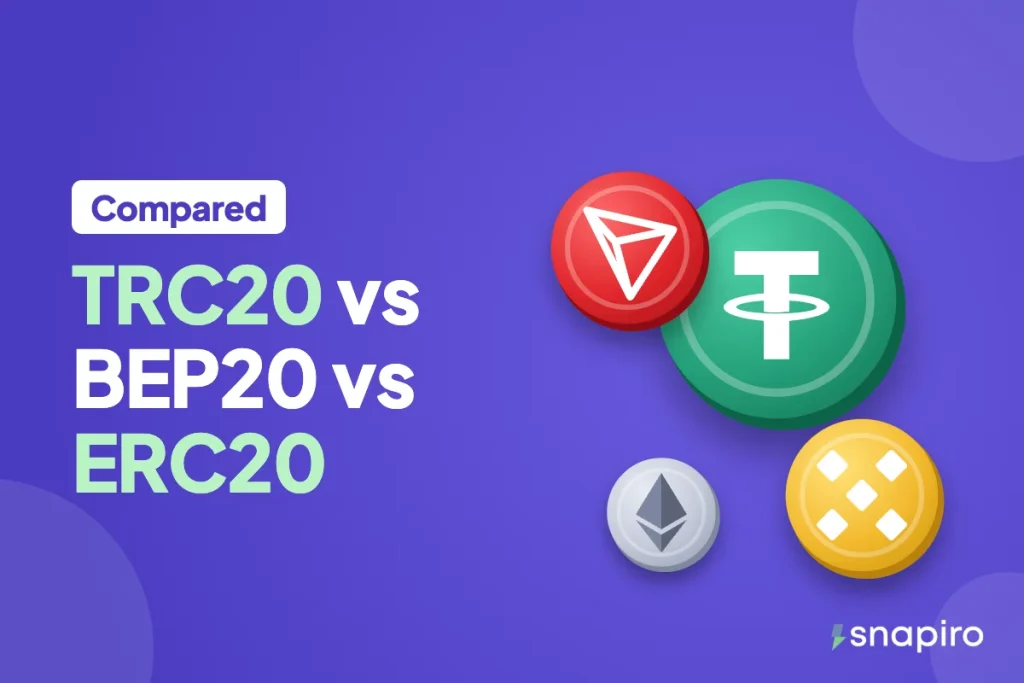
For most Nigerians sending USDT to sell, TRC20 is the default pick: low fees, quick confirmations, and almost every exchange supports it. It’s the network to start with if you’re unsure.
BEP20 is a close second and often the easier one if your coins are on Binance or in Trust Wallet. ERC20 works, but you’ll usually pay noticeably more to send the same amount.
The bigger rule isn’t which one is “best”. It’s that the network you choose to send on must be the network of the address you’re sending to. This guide explains why, with fees and speed for each.
What TRC20, BEP20 and ERC20 actually are
USDT isn’t one coin on one blockchain. Tether issues it on several chains, and each version lives only on its own chain. The names describe the token standard on each:
- TRC20 is USDT on the Tron blockchain. Addresses start with a capital T.
- BEP20 is USDT on BNB Smart Chain (sometimes labelled BSC). Addresses start with 0x.
- ERC20 is USDT on Ethereum. Addresses also start with 0x.
One USDT is worth the same on all three. When you sell on Snapiro, every USDT counts as $1 whichever of these networks it came in on, so the network only changes your sending cost and speed, not what you’re paid. (Our beginner’s guide to crypto explains blockchains if the idea is new.)
Side-by-side comparison
| TRC20 (Tron) | BEP20 (BNB Smart Chain) | ERC20 (Ethereum) | |
|---|---|---|---|
| Address starts with | T | 0x | 0x |
| Typical sending cost | Low | Low | Higher, rises when Ethereum is busy |
| Speed | Quick (blocks about every 3 seconds) | Very quick (blocks under a second) | Quick (blocks about every 12 seconds) |
| Fee paid in (personal wallets) | TRX | BNB | ETH |
| Accepted by Snapiro | Yes | Yes | Yes |
Block times are the network’s own speed. Your exchange adds its own processing time on top, which is often the slower part.
How to choose in practice
Sending from an exchange
Exchanges charge a flat withdrawal fee per network and show it on the withdraw screen. Look at the fee next to each network and pick the cheapest one that your Snapiro wallet supports. That’s usually TRC20 or BEP20. Exchanges set and change these fees themselves, so check every time rather than going by what it was last month.
If you send from Binance, check how it labels each network when sending USDT from Binance to Snapiro. Bitget users can follow the Bitget version.
Sending from a personal wallet
With Trust Wallet, MetaMask or a hardware wallet, you pay the network directly, and you pay it in that chain’s own coin. To send TRC20 USDT you need some TRX in the same wallet. For BEP20 you need BNB, and for ERC20 you need ETH. No gas coin, no transfer, however much USDT you hold.
So the cheapest network is often the one you already have gas for. If your wallet holds BNB but no TRX, sending BEP20 saves you the trouble of getting TRX first.
Receiving from a client or friend
Tell the sender which network to use and give them the matching address from your Snapiro Deposit screen. If they say “I can only send on Solana” or “on TON”, that won’t work with Snapiro; ask them for TRC20, BEP20 or ERC20 instead.
The one rule: match the network on both sides
On Snapiro, each network gets its own address. Under All wallets, open USDT, tap Deposit, then pick the Network. Your TRC20 address and your BEP20 address are different, and you create each one once. The deposit address guide shows where to find them.
The address shape helps you catch some mistakes. A T address can only be Tron, so if you see one, the sending side must say TRC20. A 0x address could be BEP20 or ERC20, and nothing about the address tells you which. That’s the trap: an ERC20 transfer to a BEP20 address goes through without any error, and the coins end up on the wrong chain. Read the network name on both screens before you confirm.
Wrong network can mean lost coins. Snapiro supports only these three networks for USDT; USDT on Solana, TON, Polygon, Arbitrum or any other chain isn’t supported. The full list is on which coins and networks Snapiro supports.
After it arrives
Once the network confirms, the USDT shows in your Snapiro wallet, whichever network it came on. Selling is the same from there: Sell Crypto, choose USDT, enter the amount, check the naira figure and confirm with your PIN. The full walkthrough, with costs, is in how to sell USDT for naira, and you can check today’s rate on the rate calculator.
The same network logic applies to other coins. BNB, for example, only goes on BEP20 (see selling BNB for naira), while TRX travels on Tron with no memo needed.
FAQs
Is TRC20 USDT the same value as ERC20 USDT?
Yes. Both are Tether’s USDT and Snapiro counts each as $1. Only the network fee to move it differs.
Which network is cheapest for USDT?
TRC20 and BEP20 are usually much cheaper than ERC20. The exact fee depends on your exchange or wallet and changes over time, so compare them on the withdraw screen.
Can I use the same address for BEP20 and ERC20?
No. Even though both start with 0x, Snapiro gives each network its own address. Copy the one that matches the network you’re sending on.
Does Snapiro charge more for one network?
No. There’s no selling fee on any network; the margin is in the rate. The only Snapiro charge on the way to your bank is ₦200 per naira withdrawal, listed on the fees page.
Pick your network, create the matching address, and check the live figure on the USDT page before you send.