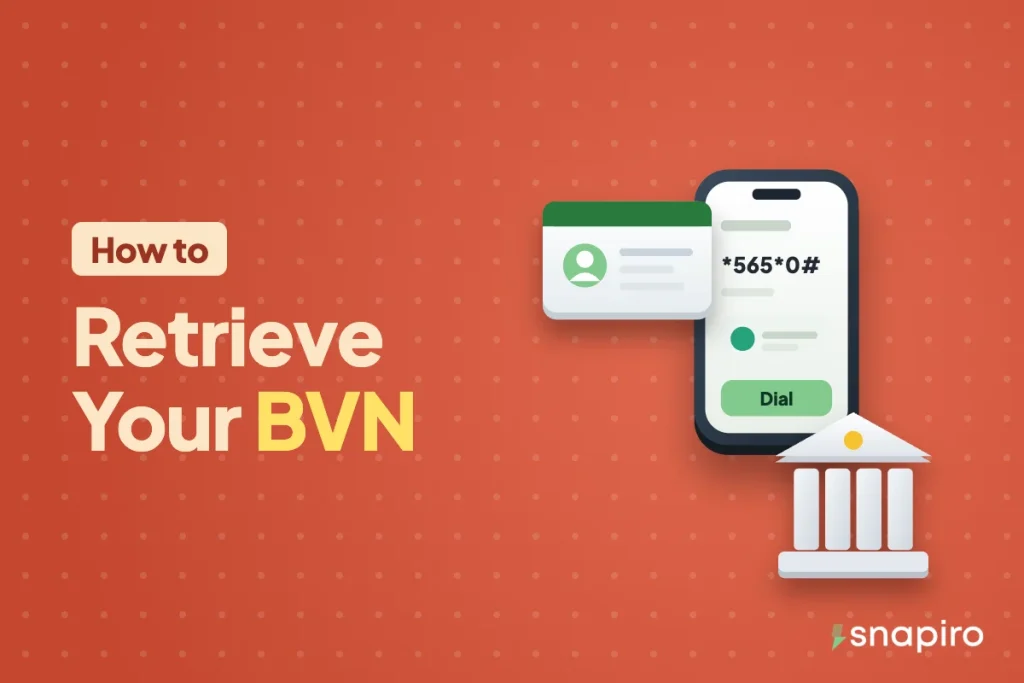
The quickest way to get your BVN back is to dial *565*0# from the phone number you used when you registered it. Your 11-digit number shows on screen in a few seconds.
NIBSS charges a ₦20 service fee for the lookup, and it works for most people. When it doesn’t, it’s usually because the line is lost or you no longer know which number you registered with.
There are a few other routes for those cases, and one new rule from the Central Bank you should know about before you walk into a bank. This post goes through each of them.
Method 1: dial *565*0# on any network
The code is run by NIBSS, the company that manages the BVN database for the banks, so it’s the same on MTN, Airtel, Glo and T2 (formerly 9mobile). You don’t need data or a bank app.
- Put in the SIM whose number you gave the bank when your BVN was captured.
- Dial *565*0# and press call.
- Your BVN appears on the screen. Write it down somewhere safe, or screenshot it and keep the image off shared albums.
Two things trip people up. First, it only works from the registered number; dialling from your new line returns nothing useful. Second, NIBSS says no BVN is returned when the phone number is linked to more than one BVN. That happens more than you’d think, for example when a parent registered several children with one number. In both cases, go to your bank.
The ₦20 fee is the figure on the NIBSS USSD services page. If your airtime is too low the request can fail, so top up first. You can buy MTN airtime or any other network’s from the bills section of the Snapiro app, paid from your naira balance.
Method 2: look inside your bank app or internet banking
Many banks show your BVN in the app, usually under profile, account details or settings. The exact menu differs from bank to bank, and some banks only show part of the number for security. If you can’t find it, the bank’s in-app chat or customer care line can tell you where it sits.
This route is handy when you’ve lost the SIM, because logging into your bank app doesn’t depend on the old line the way the USSD code does.
Method 3: visit any branch of your bank
If the code and the app both fail, walk into a branch of any bank where you hold an account. Take a valid ID (NIN slip or card, international passport, driver’s licence or voter’s card) and your account number. Customer service can confirm your BVN after checking who you are.
Ask for it to be written down or printed, not read out loud across the banking hall.
When the registered phone number is gone
A lost or retired SIM is the main reason people can’t retrieve a BVN. You have two choices: recover the old line, or change the number attached to your BVN.
Recovering the line is often the better first move. Your network can do a SIM replacement on the same number once you prove you own it, and then *565*0# works again.
Changing the number is done through your bank, and it now comes with a limit. Under a CBN circular that took effect on 1 May 2026, the phone number linked to a BVN can be changed only once. Don’t rush into it if getting the old line back is possible, and make sure the new number is one you’ll keep for years.
BVN retrieval at a glance
| Method | What you need | Cost |
|---|---|---|
| *565*0# | The SIM registered to your BVN | ₦20 NIBSS fee |
| Bank app or internet banking | Your login | Varies by bank, usually nothing |
| Bank branch | Valid ID and account number | Ask your bank |
Keep your BVN to yourself
Your BVN ties together every bank account you own. On its own it can’t move money, but fraudsters use it alongside other details to pass identity checks, request SIM swaps or open accounts in your name.
- Don’t post it in WhatsApp groups or send it to someone who says they’re from your bank. Banks already have it.
- Never share an OTP or your PIN with anyone, whatever reason they give.
- Only type your BVN into apps you trust, from the official app stores. Watch out for scammers posing as support, too.
Using your BVN on Snapiro
Once you have the number, verifying it on Snapiro takes seconds. Go to Me › Verification, choose BVN, enter the 11 digits and tap Verify BVN. The full walkthrough is in how to verify your BVN.
You don’t need a BVN to start. You can deposit crypto, sell gift cards and pay bills before verifying anything; here’s what works before verification. To sell crypto, add a bank account and withdraw naira, you need a verified BVN, or your NIN if you can’t find the BVN yet.
After verification, your name on Snapiro changes to the name on your BVN record, which is why your bank account name must match your BVN name. If the name on your BVN is misspelt, only your bank can fix it.
Looking to open a new account while you’re sorting this out? Our list of Nigerian banks for savings accounts is a good place to compare. Your existing BVN links to the new account, so you never need a second one.
Common questions
Can I check my BVN with my NIN?
No. They are separate numbers from separate bodies: the NIN comes from NIMC and the BVN from the banking system. Knowing one won’t get you the other through any public code.
I dialled *565*0# and got nothing. What now?
Check that you’re using the registered SIM and have at least ₦20 airtime. If it still fails, the number may be linked to more than one BVN, or to none. Your bank app or a branch visit is the next step.
Does a BVN expire?
No. A BVN is issued once and stays with you for life, across every bank you use.
Can I get a second BVN if I’ve forgotten the first?
No. Each person should have only one BVN, and enrolling twice causes problems with every bank you use. Retrieve the one you have instead.
With your BVN back in hand, download the Snapiro app and finish your account verification so you can withdraw to your bank whenever you need.